Learn to build the
solution you need.
A plain-words guide through the jungle of modern software and AI. Build something that solves a real problem you, and probably others, actually have. Understand every step, and share what you learn.
Carry on reading
Your library →Changed since you read it
These pages were updated after your last visit. In this field that usually means a price, a model name, or a date moved.
Saved for later
Recently read
This list is built in your browser from your own reading history. It is never sent anywhere, and clearing your browser data clears it.
Most looked up
Start here if you are comparing
All →Come back and this column becomes your own reading list - what you were part-way through, and which of those pages changed since. Built in your browser, never sent anywhere.
New in AI
All news →Changed on this site
Browse all →The verification log
What the checking found this month
Four things below. Two are corrections to pages on this site. Two are things most of the internet still has wrong. All four were found by opening a page, reading the vendor's current documentation next to it, and noticing they no longer agreed.
DeepSeek V4-Pro was never being folded into the new Flash model
Early reports of DeepSeek's September release said V4-Pro requests would be routed to the new V4.1-Flash. We repeated that. DeepSeek's own changelog says the opposite: V4-Pro stays, at unchanged prices. It was the old V4-Flash names that got rerouted. The claim came from a secondary source, and the primary one was a single click away.
Read the corrected page →GPT-6 Astra does have an EU Data Zone on Azure
Two pages here said GPT-6 Astra had no EU Data Zone deployment on Microsoft Foundry, which would rule it out for many EU data-residency requirements. Microsoft's 22 September GA post lists Astra, Sol and Luna in both the US and EU Data Zones. The restriction was true at preview and stopped being true at general availability.
Read the corrected page →Llama is no longer Meta's open-weight line either
Everyone knows Meta's frontier work went closed with Muse Spark. The part that gets missed: Llama is not the open-weight line anymore either. That is Muse Glimmer, 30B and Apache 2.0, since August 2026 - a more permissive licence than Llama ever had. Meta shipped no new Llama model in 2026, and retired its own hosted Llama API in July.
Read the corrected page →Most of Amazon's Nova 2 family never actually shipped
Nova 2 was announced at re:Invent in December 2025 with four models. Nine months later, Nova 2 Lite is the only one generally available. Pro and Omni are still marked "(Preview)" on AWS's own Bedrock pricing page, with access via a Nova Forge contract or an account-team request. Meanwhile Nova 1's image and video models retire this month with no first-party replacement.
Read the corrected page →524 of the 1822 pages here carry a last_verified date, and it is on the page itself, not in a changelog. If a claim matters to a decision you are making, check when it was last confirmed - and if it is stale, that is visible rather than hidden.
Where things stand
The current flagships, and what their spec sheets leave out
Context windows and prices are easy to find anywhere. The last column is the part that takes reading the release notes - and the part that changes what you should actually do.
| Model | Released | Context | $/MTok in / out | What the specs leave out |
|---|---|---|---|---|
| GPT-6 Astra | 3 Sep 2026 | 1,050,000 | $10 / $50 | The first model a lab has classified as crossing its own "Critical" cyber threshold. Prompts over 272k tokens bill at 2x input, 1.5x output. |
| Claude Fable 5.1 | 1 Sep 2026 | 1,000,000 | $10 / $50 | New tokenizer: roughly 30% more tokens for the same text, so 1M tokens is about 555,000 words, not 750,000. Since 22 September, Opus 5.5 claims roughly Fable-level results at $4 / $20. |
| Muse Spark 1.3 | 2 Sep 2026 | 1,000,000 | $1.25 / $4.25 | Meta's flagship, and not a Llama. Closed weights. A separate Contributor endpoint drops to $0.10 / $0.20 if you let Meta train on your prompts. |
| Nova 2 Lite | 2 Dec 2025 | 1,000,000 | $0.30 / $2.50 | The only generally available model in the Nova 2 family. Pro and Omni are still preview. That price is US East with global cross-region routing; geo routing costs 10% more, and Frankfurt about 30% more. |
| Mistral Large 3 | 2 Dec 2025 | 256,000 | $0.50 / $1.50 | The cheapest frontier-class option here, and the only one whose weights you can download - Apache 2.0, including the flagship. Smallest context window of the five. |
Prices are list rates and move often; every figure is dated on its source page. Full lineups for every vendor, including the open-weight and Chinese labs, in the 2026 LLM landscape.
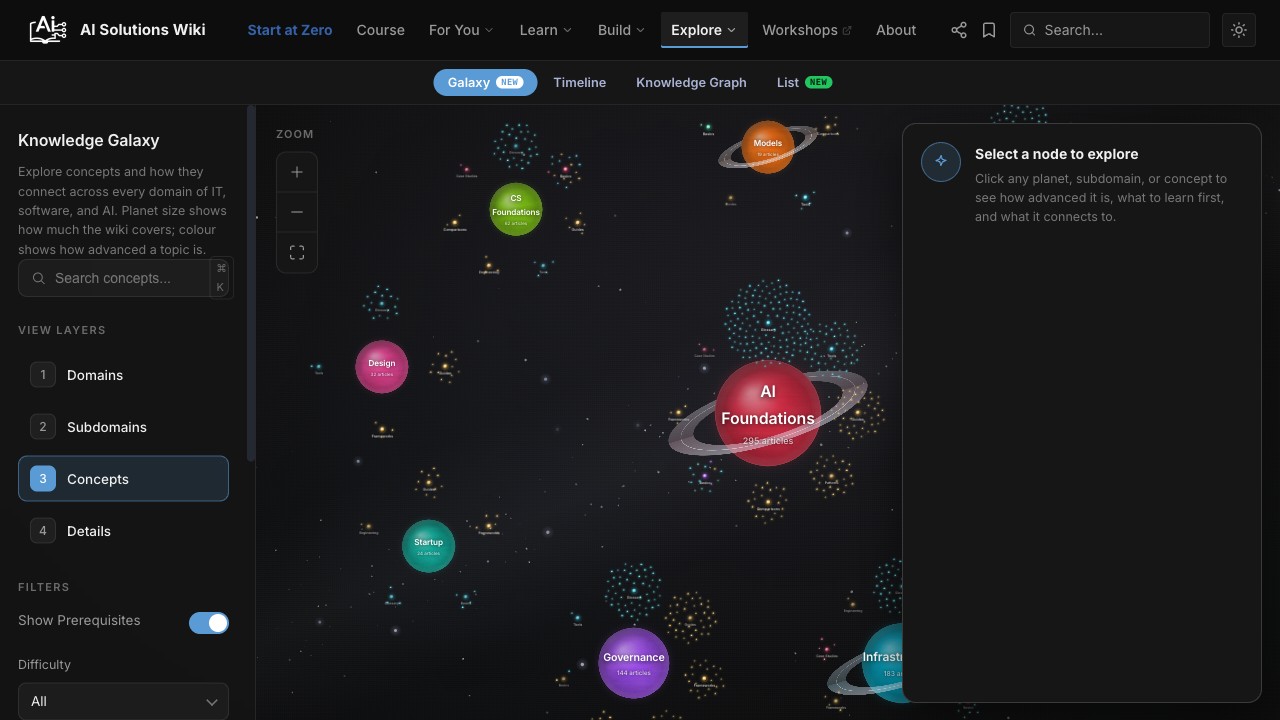
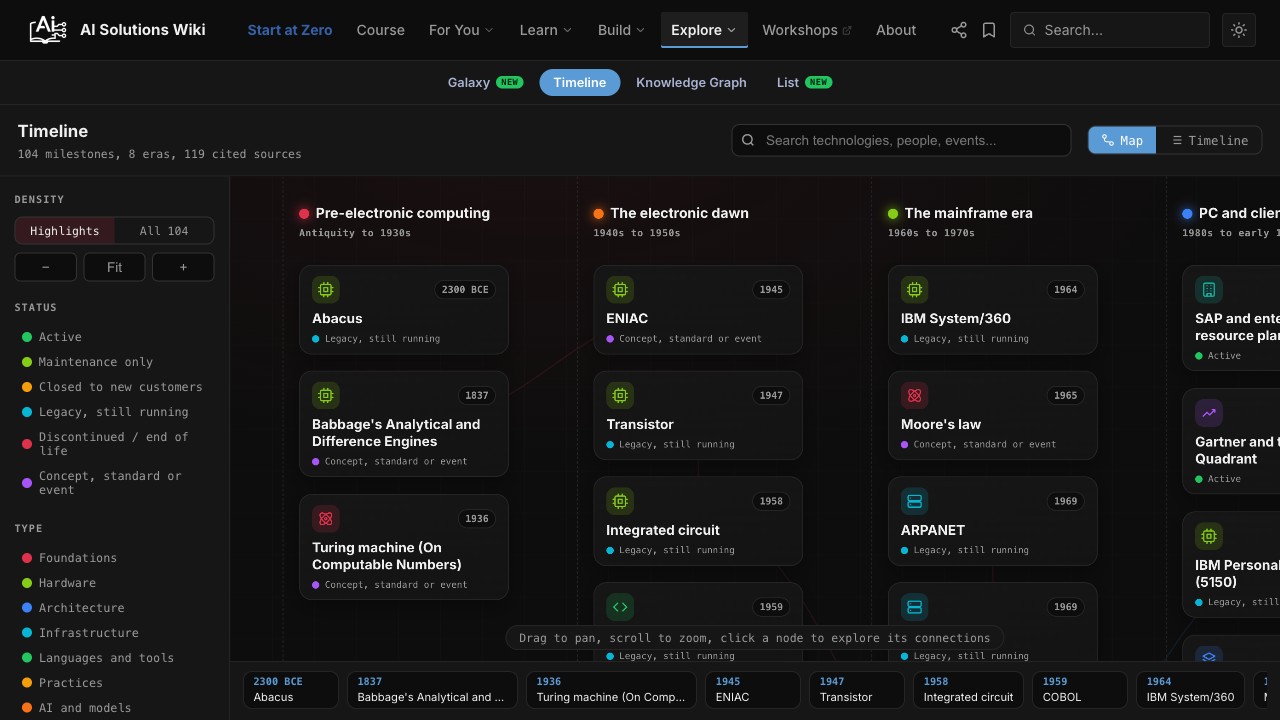
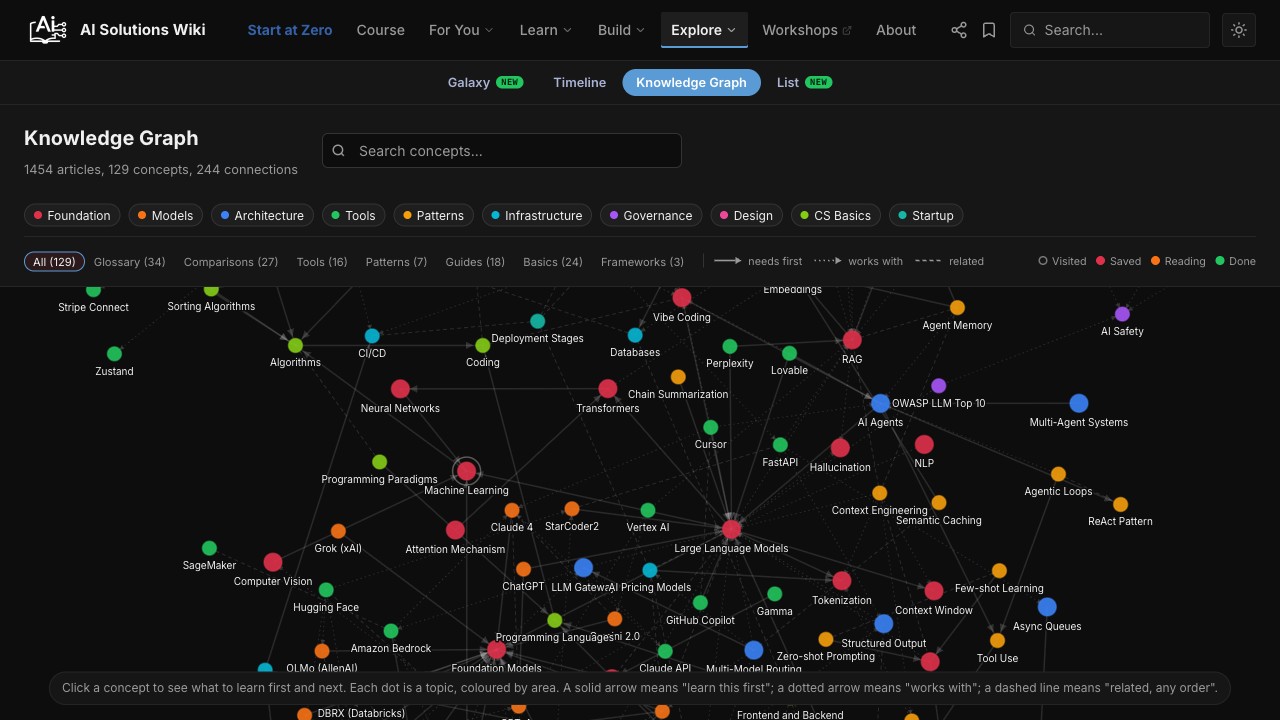
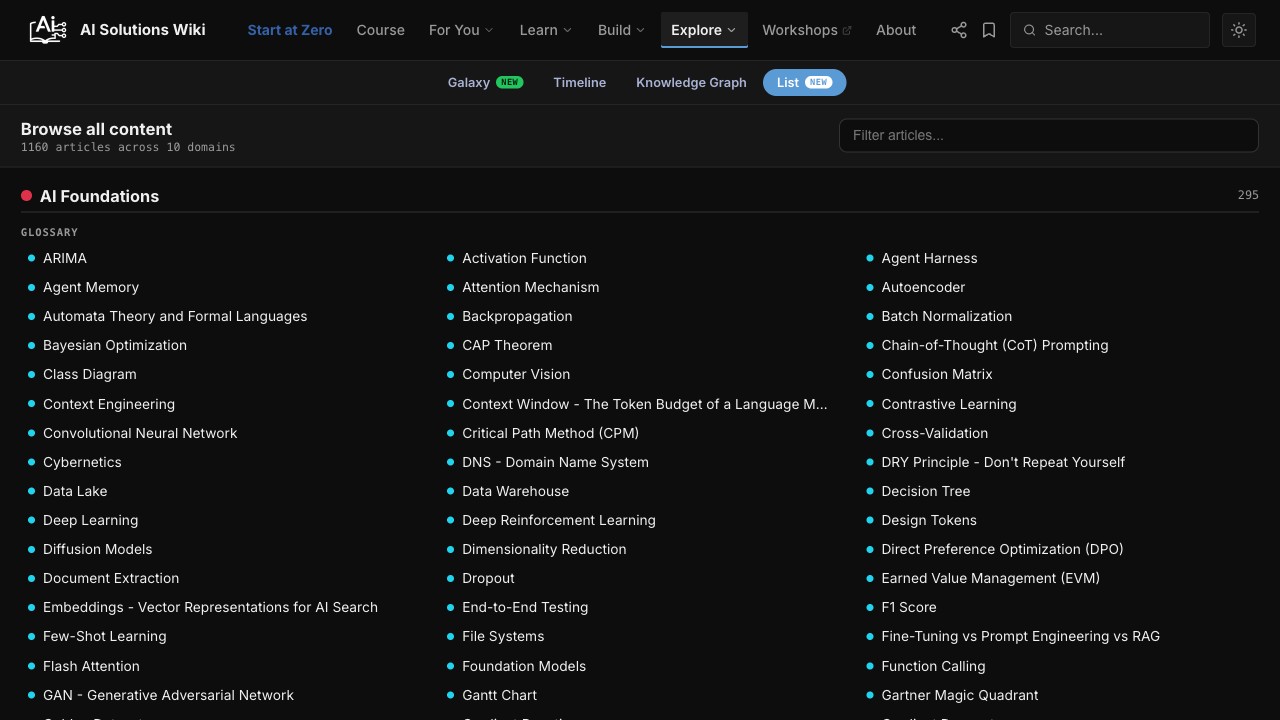
Explore the wiki, visually
A new way to learn: every concept, tool, and milestone as a connected map you can pan, filter, and follow. Pick a view and start exploring.
Browse
Jump to any section
All 1822 pages, grouped: 238 guides, 248 tool pages, 114 comparisons, 494 glossary entries, and the rest. Open a group to see its sections - the same navigator you get on every page. For how the pieces fit together, see the five layers.
Open source
Tools built from the same experience.
Freelancer Templates and Freelancer Automation grew out of the same real-project work that powers this wiki. Both are free to use.